Build Professional
Surveys & Questionnaires
That Get Responses
Create multi-page surveys with beautiful themes, collect structured feedback, and analyze responses — all in minutes. No coding required.
Complete Survey Builder Features
Everything you need to build, publish, and analyze surveys — from multi-page question flows to response exports and email notifications
Build & Structure
Fully Customizable
Responses & Insights
Choose Your Survey Theme
Pick from professionally designed survey templates and make it yours in minutes
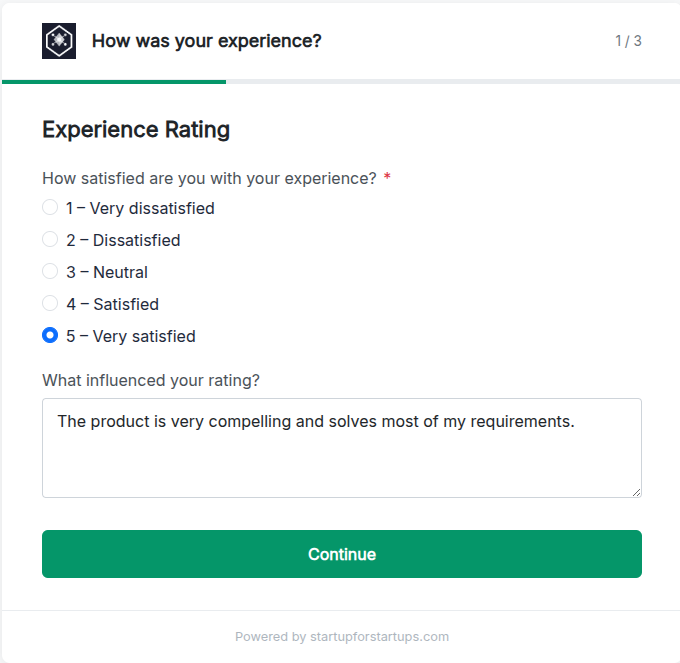
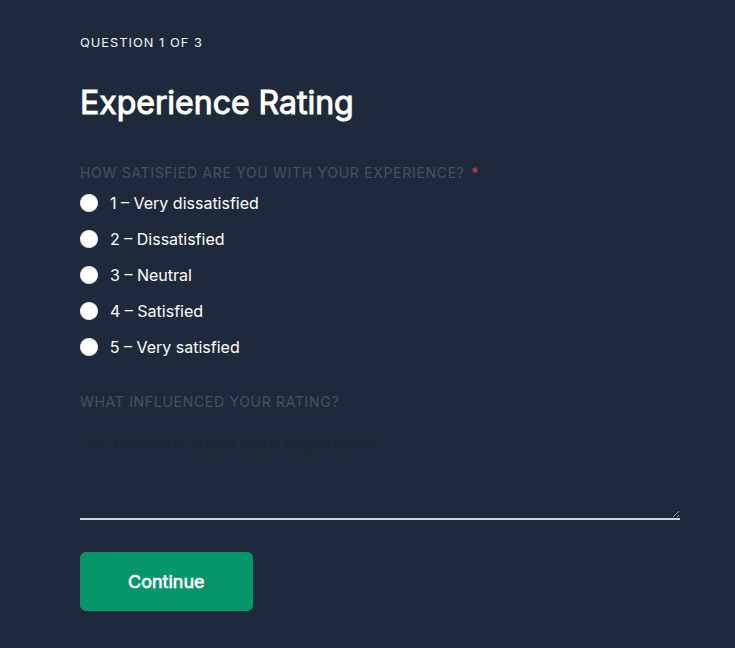
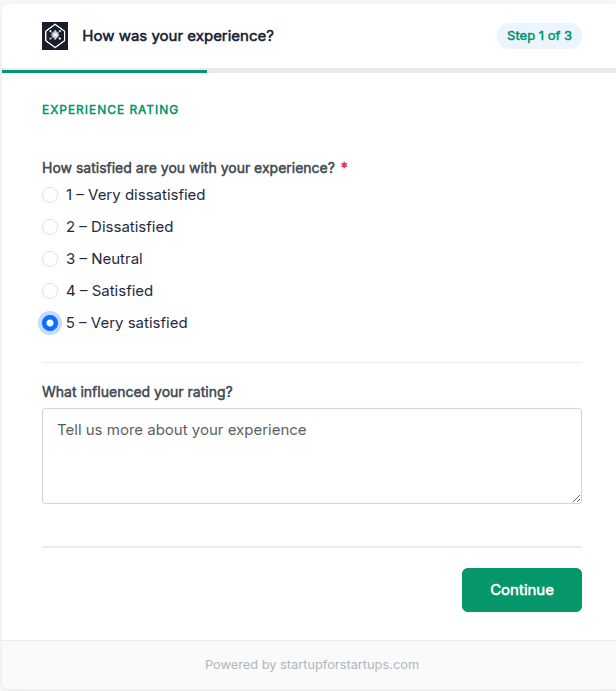
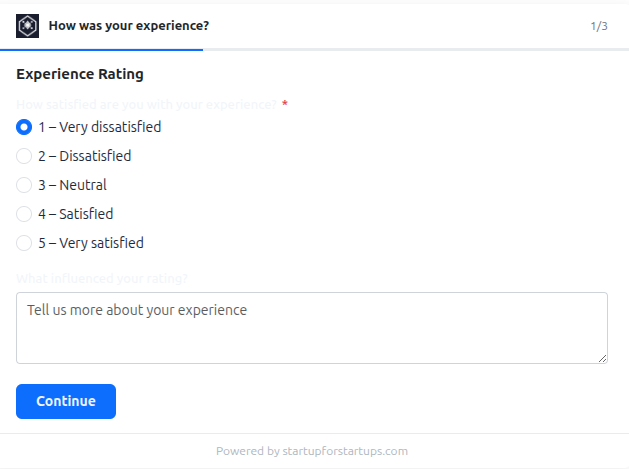
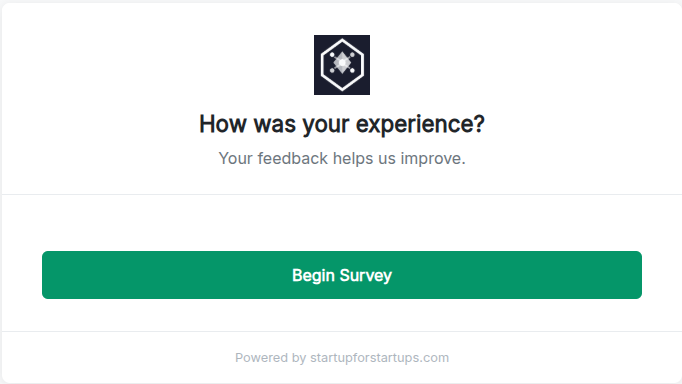
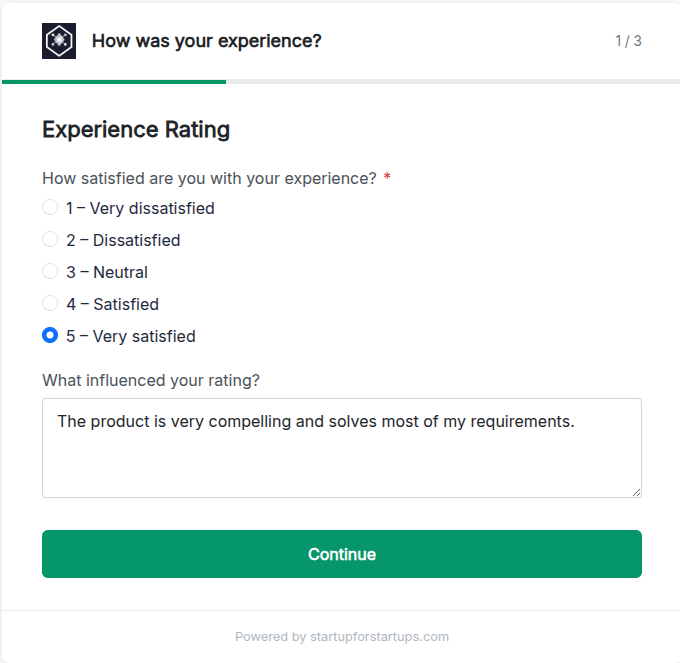
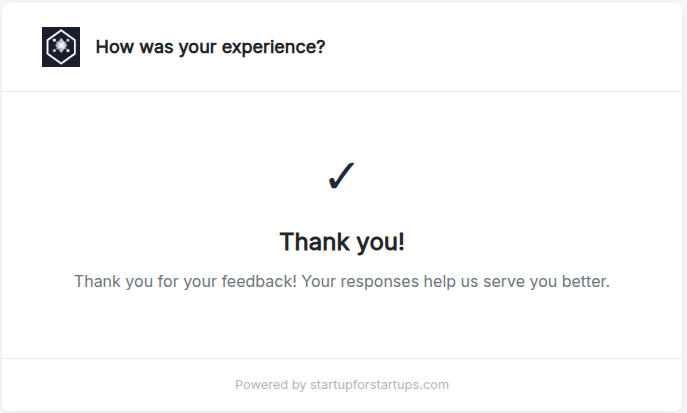
See the Full Survey Experience
A polished, branded journey from start to submission — for every respondent
Built for Serious Feedback
Purpose-built survey tools for startups and growing businesses that need real answers fast
Multi-Page Question Flows
Break long surveys into digestible pages to keep respondents engaged. Control the exact order of questions and guide users through a structured, step-by-step experience.
Match Your Brand
Full visual customization with 55+ styling options. Set your colors, fonts, backgrounds, and button styles so every survey feels like a natural extension of your product.
Export Responses Instantly
Download all survey responses as a clean CSV file in wide format — one row per respondent, one column per question. Ready to open in Excel or import into any analytics tool.
Real-Time Notifications
Get notified by email the moment someone completes your survey. Never miss a response and follow up with respondents while their feedback is still fresh.
Custom Subdomain Hosting
Publish your survey on your own branded subdomain. Share a clean, professional URL that builds trust and keeps your brand front and center throughout the experience.
Webhook Integrations
Push survey responses to your CRM, Zapier, Slack, or any external system the moment they arrive. Automate your feedback workflows without manual data wrangling.
Ready to Start Collecting Better Feedback?
Join startups and teams using our survey builder to understand their users, validate ideas, and make faster decisions.
Survey Builder FAQ
Common questions about building and managing online surveys and questionnaires
How do I create an online survey?
Creating a survey takes just minutes. Sign in, click "New Questionnaire", add your pages and questions, choose a theme, and publish. Your survey will be live on a branded subdomain and ready to share immediately — no coding or technical setup required.
Can I create multi-page surveys?
Yes. Our survey builder fully supports multi-page questionnaires. You can add as many pages as needed, reorder them, and control the question flow. This keeps surveys manageable and increases completion rates compared to single long-scrolling forms.
How do I view and export survey responses?
All responses appear in your real-time response dashboard as they come in. You can export the full dataset as a CSV file in wide format — one row per respondent with each question as its own column — making it easy to analyse in Excel or any spreadsheet tool.
Can I brand my survey with my own colors and fonts?
Absolutely. With 55+ styling options, you can customize every visual aspect of your survey — background colors, button styles, font families via Google Fonts, text sizes, and more. The live preview lets you see changes instantly before publishing.
Are surveys mobile friendly?
Yes, all surveys are fully mobile responsive. Whether your respondents open them on a phone, tablet, or desktop, the experience adapts automatically to look great and be easy to complete on any screen size.
Can I get notified when someone completes my survey?
Yes. You can enable email notifications so you receive an alert each time a respondent completes your survey. You can also connect your survey to external tools via webhooks to push responses directly into your CRM or other systems.
What is a questionnaire subdomain?
Each survey is hosted on its own subdomain — for example, feedback.yourdomain.com. This gives your survey a clean, branded URL that builds respondent trust. Subdomains are set up automatically when you create a survey.
How many surveys can I create?
There are no limits on the number of surveys you can create. Build as many questionnaires as you need for customer feedback, product research, onboarding flows, internal team surveys, or any other use case — all included in your plan.